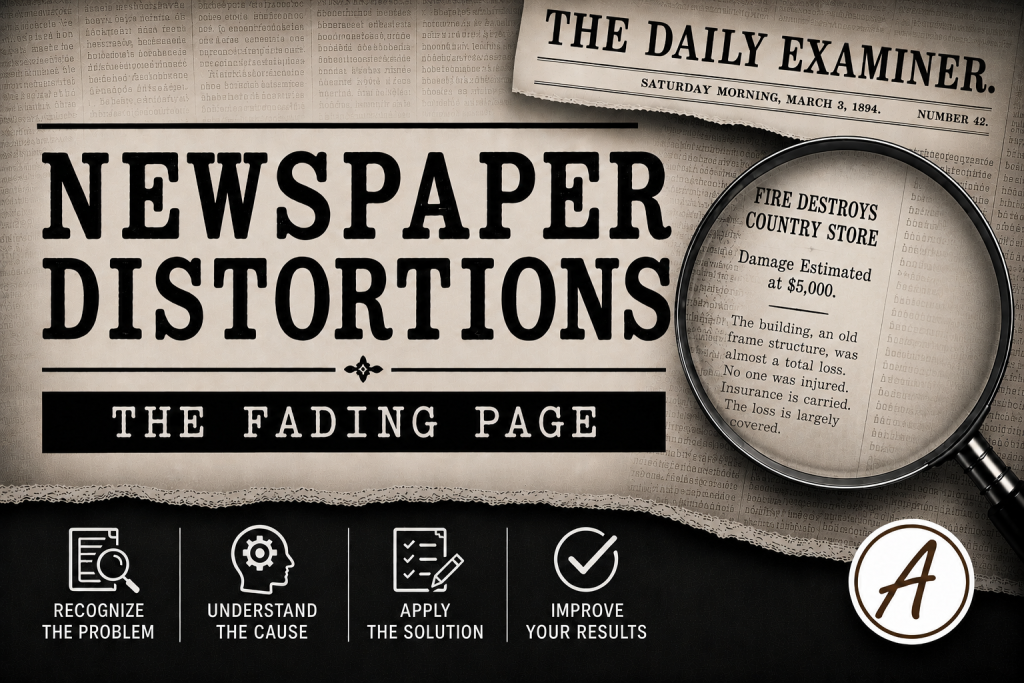
Newspapers were often printed on inexpensive paper that was never intended to survive for generations. Over time, paper yellows, ink fades, and repeated handling or exposure to light further reduces readability. While the article may still be visible to the human eye, OCR software often struggles with the low contrast, causing names and important details to disappear from searchable indexes.
Distortion Type
Paper Aging and Yellowing
Why it Happens
Acidic pulp paper, fading ink, light exposure.
Why it Matters
Low contrast causes OCR to drop letters—“Josephine Braunhart” becomes “J—sephine B—unh—rt.” Searches return nothing.
Search Strategies
- Adjust brightness/contrast before copying text.
- Check alternate scans or archives.
- Use partial-name searches (Braun*).
- Re-OCR cropped articles.
- Compare multiple issues—one may be cleaner.
Example
A researcher knows that Josephine Braunhart’s obituary appeared in a local newspaper, but repeated searches produce no results. Examining the page image reveals that faded paper and weak contrast caused the OCR to index the name as “J—sephine B—unh—rt.” A broader search using Braun* and a review of the page image eventually uncovers the obituary and several related family notices.
Key Takeaway
Just because a newspaper page can be read doesn’t mean it can be searched. When ink fades and paper ages, OCR may lose the very names you’re trying to find.
The Newspaper Distortions Field Guides
Discover all 25 Newspaper Distortions, companion Field Notes, videos, and audio lessons in the Field Guides Collection