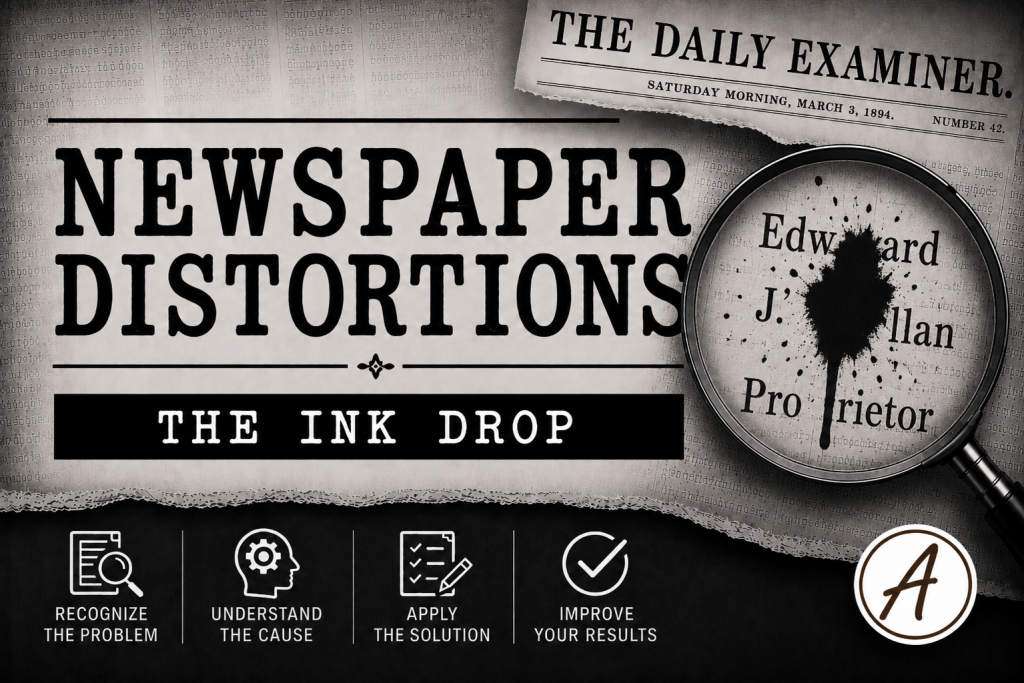
Not every newspaper distortion is caused by poor reporting, damaged paper, or OCR software. Sometimes the problem originated on the printing press itself. Excess ink, worn rollers, misaligned type, and ghost images from adjacent pages could blur or distort printed text before the newspaper ever reached a reader. While human readers often interpreted these imperfections correctly, OCR software frequently struggles with smeared or merged characters. As a result, a perfectly ordinary surname may be indexed under an entirely different spelling, making it difficult to locate through conventional searches.
Distortion Type
Ink Blots, Smudges, and Press Imperfections
Why it Happens
Over-inked rollers or ghosting from prior pages.
Why it Matters
Ink smears merge characters, creating false letters (“Jones” → “Junes”).
Search Strategies
- Search flexible patterns (Jo?es, J*n*s).
- Use “sounds like” searches if the database supports them.
- Examine the OCR text for multiple misspellings of the same name.
Example
A researcher searches for references to the Jones family in a local newspaper database but finds very few results. While browsing page images manually, they discover that an over-inked press caused several letters in the surname to bleed together. OCR interpreted Jones as Junes in one article and Jomes in another. In a separate issue, a faint ghost image from the reverse side of the page created additional visual noise, causing the software to misread multiple names. By experimenting with flexible search patterns and reviewing image scans directly, the researcher uncovers articles that standard surname searches failed to locate.
Key Takeaway
Ink doesn’t have to hide a name completely to make it disappear. A single smudge can transform a familiar surname into something no researcher would think to search for.
The Newspaper Distortions Field Guides
Discover all 25 Newspaper Distortions, companion Field Notes, videos, and audio lessons in the Field Guides Collection