The Ancestor Hunt regularly adds and updates new collection links, as well as searches for and fixes broken links.
(This page's most recent update is May 2026)
Practical solutions for real genealogy research problems. Explore the new Field Guides
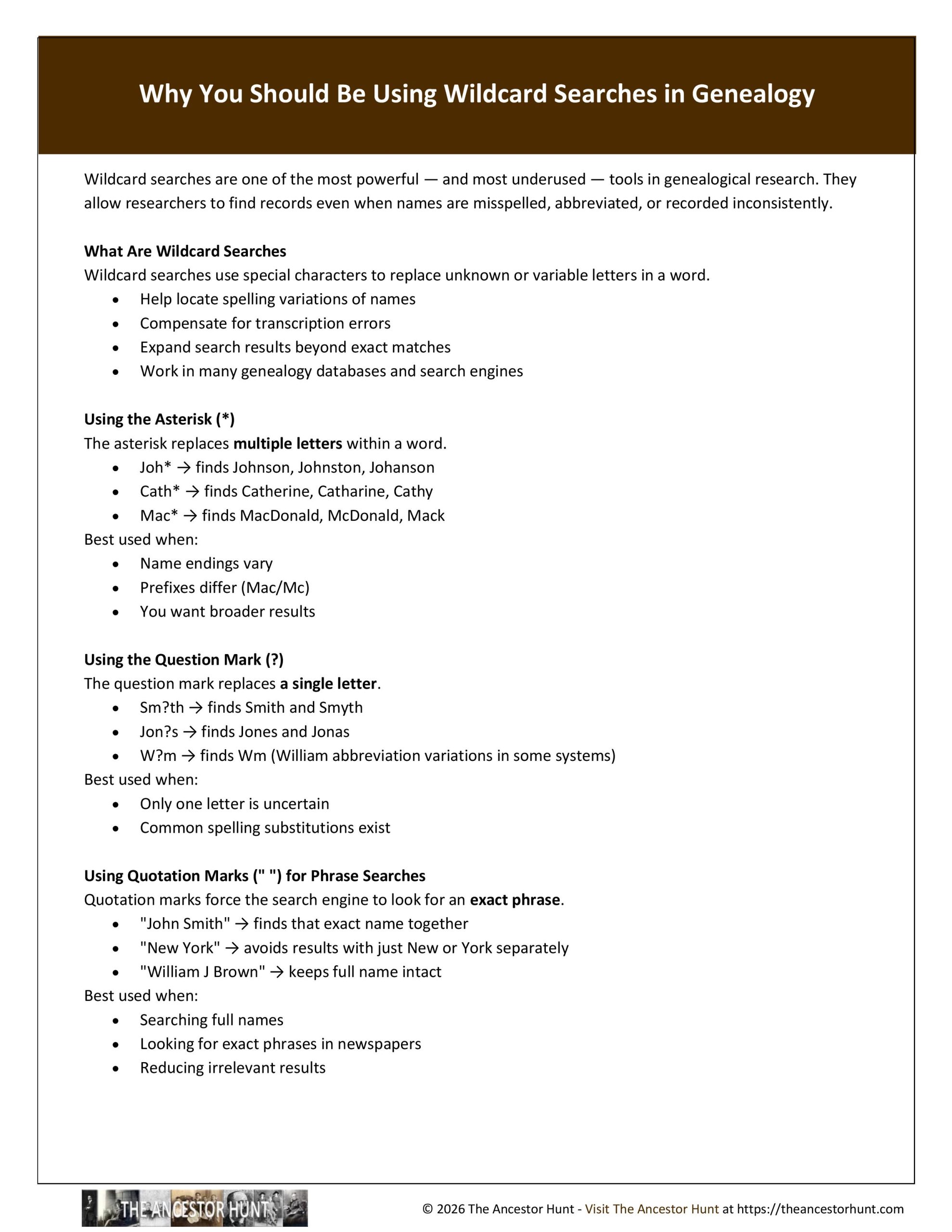
Wildcard searches are one of the most powerful — and most underused — tools in genealogical research. They allow researchers to find records even when names are misspelled, abbreviated, or recorded inconsistently.
What Are Wildcard Searches
Wildcard searches use special characters to replace unknown or variable letters in a word.
- Help locate spelling variations of names
- Compensate for transcription errors
- Expand search results beyond exact matches
- Work in many genealogy databases and search engines
Using the Asterisk (*)
The asterisk replaces multiple letters within a word.
- Joh* → finds Johnson, Johnston, Johanson
- Cath* → finds Catherine, Catharine, Cathy
- Mac* → finds MacDonald, McDonald, Mack
Best used when:
- Name endings vary
- Prefixes differ (Mac/Mc)
- You want broader results
Using the Question Mark (?)
The question mark replaces a single letter.
- Sm?th → finds Smith and Smyth
- Jon?s → finds Jones and Jonas
- W?m → finds Wm (William abbreviation variations in some systems)
Best used when:
- Only one letter is uncertain
- Common spelling substitutions exist
Using Quotation Marks (” “) for Phrase Searches
Quotation marks force the search engine to look for an exact phrase.
- “John Smith” → finds that exact name together
- “New York” → avoids results with just New or York separately
- “William J Brown” → keeps full name intact
Best used when:
- Searching full names
- Looking for exact phrases in newspapers
- Reducing irrelevant results
Using Boolean OR Searches
The word OR allows you to search for multiple variations at once.
- Jakob OR James → finds both versions of the name
- Wm OR William → finds abbreviations and full name
- Schmidt OR Smith → captures anglicized name changes
Best used when:
- Names have known variations
- Immigrants used multiple versions of their name
- You want to combine search strategies
Combining Search Techniques
Wildcard, phrase, and OR searches can be used together.
- “Joh* Smith” → captures variations of first name with exact surname
- Jakob OR “James Schmidt” → mixes variations and phrases
- Sm?th AND Ohio → combines wildcard with location filtering (if supported)
Research Considerations
- Not all databases support the same symbols
- Some sites limit wildcard use or placement
- Test different combinations for best results
- Broader searches may return more irrelevant results
Download the Quicksheet PDF
To obtain the Quicksheet PDF of this information, download it by clicking on the Download button below:
For all the previously published Quick Reference Guides, click on QuickSheets.
If you use Quicksheets often, the Quicksheet Vault puts 450+ of them in one organized place — clean, printable, and easy to reuse whenever you need them. Whether you keep digital references handy or build your own genealogy binder, the Vault makes research simpler. Learn more about the Quicksheet Vault HERE